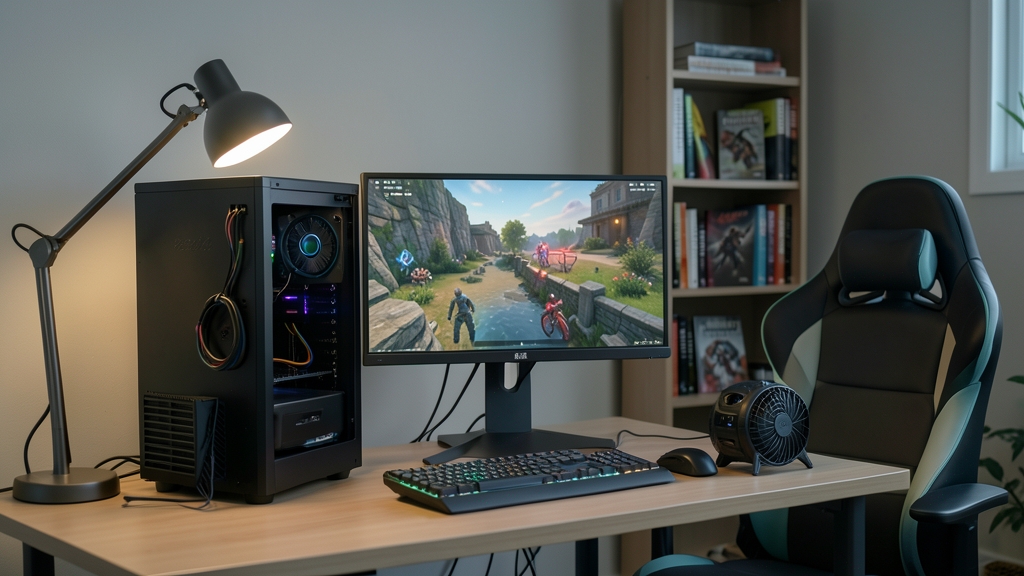
Gaming on lower-end hardware can be a frustrating experience, with slow frame rates, lag, and poor graphics quality. However, there are several ways to optimize gaming performance on lower-end hardware, from upgrading individual components to tweaking software settings. In this article, we'll explore the most effective methods for improving gaming performance on lower-end hardware, helping you get the most out of your system.
Upgrading Hardware Components
One of the most effective ways to improve gaming performance on lower-end hardware is to upgrade individual components. For example, adding more RAM or replacing an old graphics card with a newer model can significantly boost performance. When upgrading, consider the specific requirements of the games you play most often, as some may require more powerful processors or graphics cards. Additionally, ensure that any new components are compatible with your existing system to avoid compatibility issues.
Tweaking Graphics Settings
Adjusting graphics settings can also help improve gaming performance on lower-end hardware. This can include reducing the resolution, turning off anti-aliasing, or lowering the level of detail. Many games also offer built-in settings for optimizing performance on lower-end hardware, so it's worth exploring these options. For example, some games may have a 'low-end' or 'performance' mode that reduces graphics quality in exchange for improved frame rates.
Optimizing System Settings
In addition to upgrading hardware and tweaking graphics settings, optimizing system settings can also help improve gaming performance. This can include closing unnecessary programs, updating drivers, and adjusting power settings. For example, setting your system to 'high performance' mode can help allocate more resources to games, while closing unnecessary programs can free up memory and reduce lag. Regularly updating drivers can also help ensure that your system is running with the latest optimizations and bug fixes.
Using External Tools and Software
There are also several external tools and software available that can help optimize gaming performance on lower-end hardware. For example, some programs can help optimize system settings, while others can provide detailed information about system performance. Hypothetically, a tool like a frame rate monitor could help identify performance bottlenecks, allowing you to make targeted adjustments to improve performance. Additionally, some games may have community-created mods or tweaks that can help improve performance on lower-end hardware.
Practical recommendation
Optimizing gaming performance on lower-end hardware requires a combination of hardware upgrades, software tweaks, and system optimizations. By following these practical tips, you can help improve the performance of your system, even on lower-end hardware. Remember to research the specific requirements of the games you play most often and explore built-in settings for optimizing performance. With a little patience and experimentation, you can enjoy a smoother, more enjoyable gaming experience on your lower-end hardware.