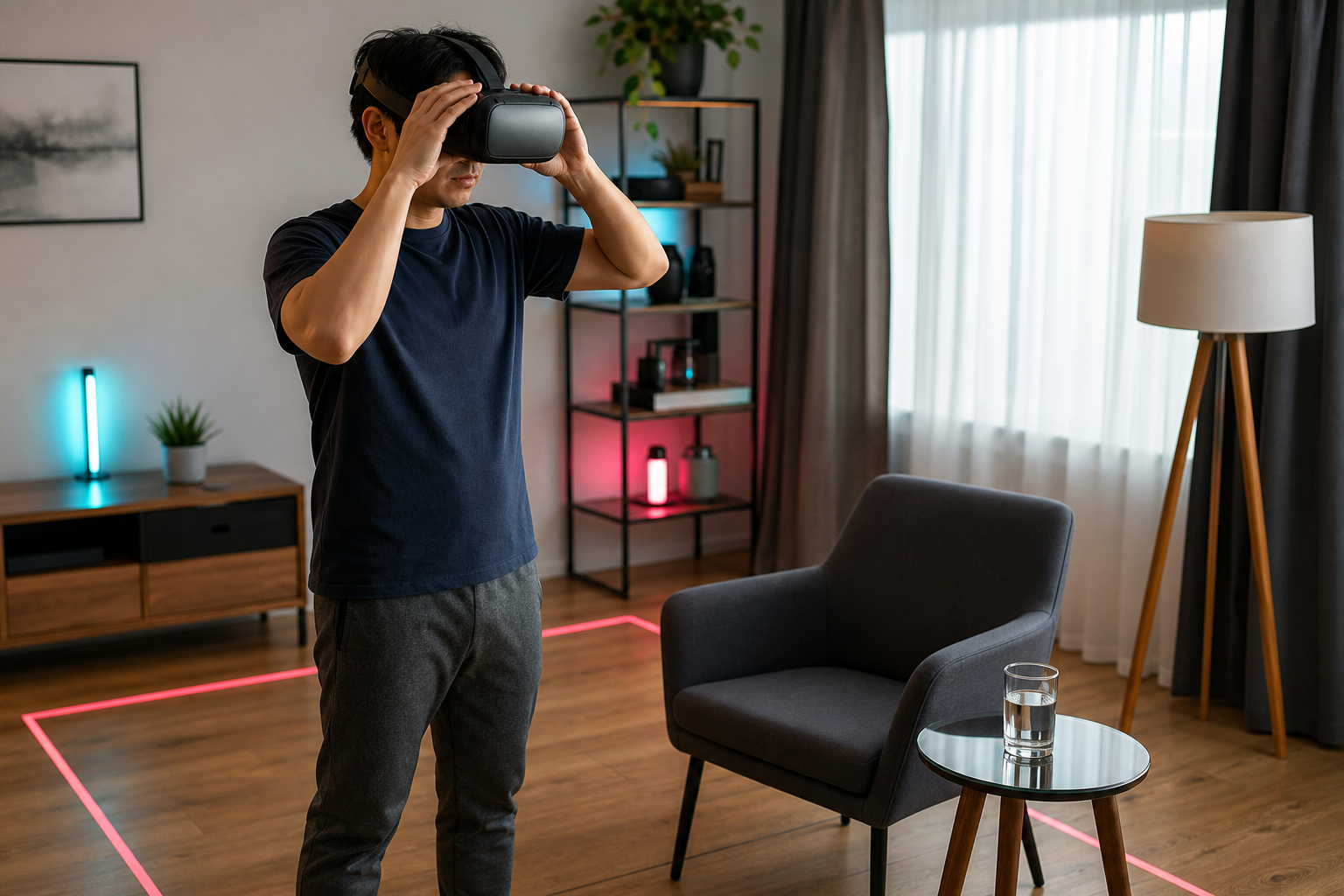
Virtual reality can create a strong sense of movement even while your body remains in one place. For some players, that mismatch leads to nausea, dizziness, headache, sweating, or eye strain. The reaction is commonly called VR motion sickness, and pushing through it usually makes the experience worse.
Start with the easiest movement options
Many VR games offer several locomotion modes. Teleport movement is often more comfortable than continuous movement because the view does not slide across the environment. Snap turning can also feel better than smooth rotation.
Begin with those comfort settings even if you eventually want a more natural control style. Once you can play without symptoms, change one option at a time. That makes it easier to identify what causes discomfort.
Keep performance stable
Uneven motion, delayed tracking, and unstable frame delivery can make the visual system work harder. Close unnecessary applications, use settings appropriate for the hardware, and confirm that the headset tracks reliably in the room.
Good lighting can help tracking systems that rely on cameras. Reflective surfaces, direct sunlight, and a poorly defined play area may create problems depending on the headset. Follow the manufacturer’s setup guidance for the specific device.
Adjust the headset correctly
A loose or poorly positioned headset can make the image blurry and force the eyes to compensate. Adjust the straps so the display is stable without pressing uncomfortably on the face. If the device supports lens-spacing adjustment, set it according to the manufacturer’s instructions.
Clean lenses and the correct prescription inserts or compatible glasses can also reduce strain. Never use cleaning products that are not approved for the lens material.
Build tolerance gradually
Keep early sessions short and stop at the first sign of discomfort. Take the headset off, sit down, look at a stable distant object, and wait until the symptoms are completely gone. Returning immediately can make the next reaction arrive faster.
A fan directed toward the player can provide airflow and a consistent physical reference point. Staying rested and hydrated may also help, although it does not replace proper settings and breaks.
Choose games thoughtfully
Stationary experiences, rhythm games, and titles with a fixed cockpit often feel easier than games with rapid artificial movement. Comfort ratings and accessibility options can help players choose an appropriate starting point.
VR should not require enduring sickness. Use conservative movement settings, maintain stable performance, fit the headset correctly, and increase session length slowly. If symptoms are strong, persistent, or occur outside VR, stop using the headset and consult a qualified healthcare professional.
Source: meta.com